Featured

My First Blog Post

Assignment 1

Be yourself; Everyone else is already taken.

— Oscar Wilde.

Here is an image of a painting that was done by AI. AI is artificial intelligence that can be told and trained to do what the user likes. The idea of AI is that you can create “bots” to help you or benefit you in some way. In this case, the user fed the AI different patterns and ideas in order for the bot to create what it seems like the user is telling them to do. In this case the picture came out extremely well, considering that this was done by a bot.

Image result for ai generated art"

I believe that this project was made with the use of the AI to generate the image that the user depicted. I think that the idea of using AI to generate images was a persons idea that was brought to life with the help of others during the technological and coding processes. I think that this was done fairly quickly. I believe that the hardest part would be telling and inferring to the AI what you would like it to do. I think once the bot knew what to do and what the user expected, the technological process was quicker than the ideas and speculation that was brought beforehand.
https://www.forbes.com/sites/williamfalcon/2018/10/25/what-happens-now-that-an-ai-generated-painting-sold-for-432500/#43dc4453a41c

Midterm Project

This midterm project was something that i had trouble with. Figuring out the coding and how to control certain aspects of the game was difficult for me.

The object of the game was to avoid the falling rocks or LED’s that would fall from the top of the screen. The user has their own LED that they would control with the two buttons that i placed on the microbit itself.

Unfortunately, i cannot find the code that i wrote that was inputted in the microbit on my desktop. I definitely worked at home on this too and in class. The code that is inputted into the microbit now just controls the users input with the two buttons moving the LED left and right.

The goal was to implement falling LED’s that the user has to dodge with the two buttons. I was having trouble creating sprites that would change X value by -1 to make the LED’s appear to fall down the screen as their was more than one sprite.

Final project and interactivity

i chose to write a simple pong game in p5 where you would have to use the paddle to keep the ball suspended in the air for as long as possible. Each correct deflection of the ball without the ball touching the ground will score a point. The user will control the paddle at the bottom of the screen with the left and right arrow keys on their keyboard.

I had some troubles with this project and i would also like to add more to this project. For instance i would like to add a highscore counter where the user can submit their score when the game was over.

I am not sure how to code a piece where if the ball fell to the bottom of the canvas and the user was not able to deflect the ball with the paddle, then the game would say “game over” and the user had to press a key to start the game again.

I would like to explore this game more and add more levels possible where two or more balls are dropped and the user can use a “power up” where they are given a bigger paddle to use or they can choose another power up which gives the player two or more paddles to use. The possibilities and increase in difficulty seem endless. However it was a simple but direct project.

https://editor.p5js.org/Aphill18/sketches/5IpZR8yWo

Assignment 8:p5 bouncing ball

This project was somewhat hard for me. I had trouble trying to control when the ball would actually change color as it collided with the edges of the screen. However, i used if ballY is just below the edge of the canvas then it would change the color and vice versa. i couldn’t figure out how to control it well.

Here is the code.

https://editor.p5js.org/Aphill18/sketches/q4JQ35Agw

Assignment p5 Drawing

Learning some p5 is very cool and i am interested in it. The amount of things that i can picture in my head already with all of the shapes and manipulation of colors and lines is very interesting to me. I can see someone or myself creating some very unique pieces of art. I am looking forward to learning more about p5 and how one can use this code to create more in depth abstract pieces of art.

I had some trouble at the start figuring out what code does what and controlling the colors in the form of RGB. However, i’m sure as we dive deeper into the code that we can easily control its capabilities.

https://editor.p5js.org/Aphill18/sketches/6S8vI6q45

https://gyazo.com/32def59debb76c4d27e80d835825ed0e


Homework #5

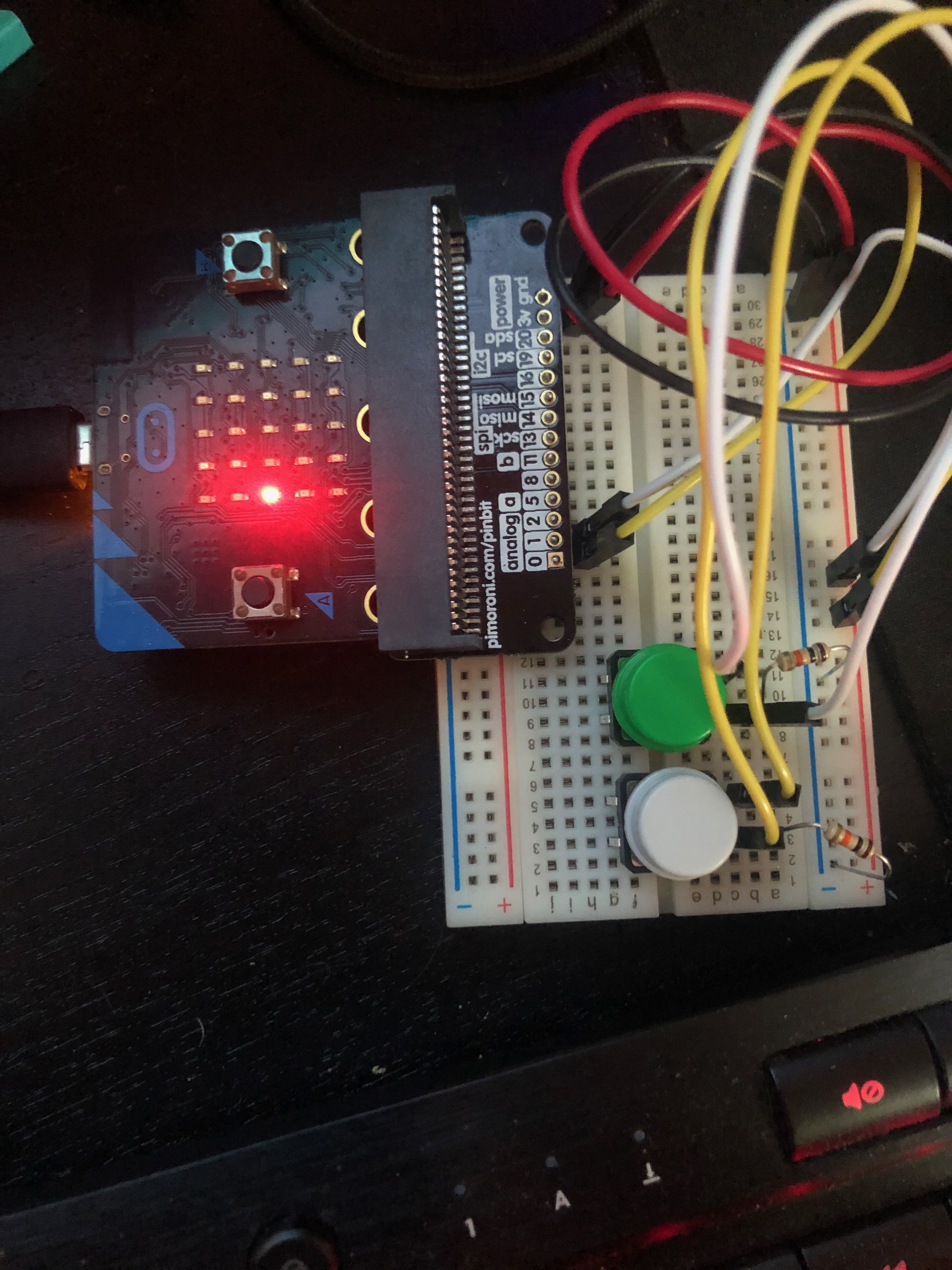
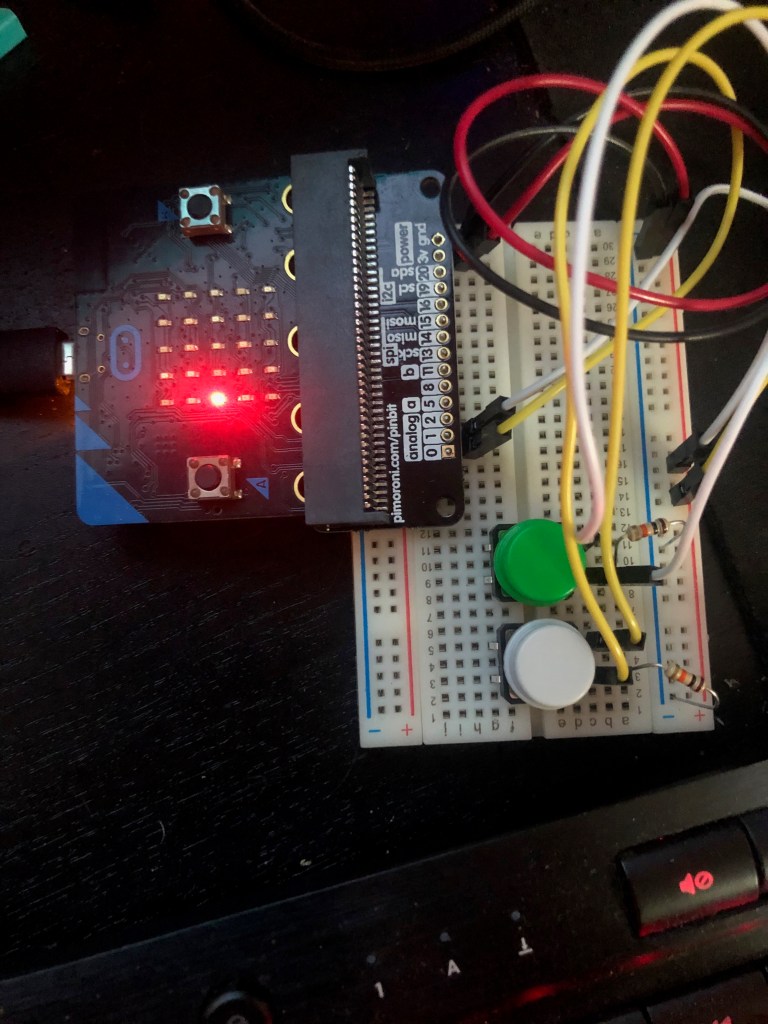
Homework 5 was a bit challenging for me. I had some troubles with the wiring concepts and how to exactly wire each different piece correctly to the board. I even forget how to include LED’s that are even so basic sometimes. However, i used both analog sensors that were given in my project. I’m not sure if it was a part of my code that was wrong or something else, but i essentially tried to play a tune when the analog read was higher than a certain value and a different tune would play if it was below that value. I think it was something wrong in my code because i believe everything was wired correctly on the board.

https://makecode.microbit.org/_b07EzVRm39wd

HW 4

homework 4 was a bit challenging for me. I missed class on Thursday which was the class that this was taught in. However, i re read the class notes and watched some youtube videos online and had a good idea of how to do the project. I had some difficulty with the coding process and the overall process with the execution on the microbit itself. The code would work on the microbit coding website but when i went to drag the file into the microbit to upload it, the microbit would keep restarting over and over and i couldn’t execute it on the microbit itself.

https://makecode.microbit.org/_AELFJAVf2bjT

Assignment 3

This assignment was very fun and i had an easy time putting together the circuit and how to control it. We learned in class how to used the microbit and the board to create circuits that are controlled by the user with the help of the buttons. Creating the circuit was easy once the professor explained to us how to do it with the help of resistors and diagrams. This code enabled the user to press the buttons on the microbit to control the LED’s that were put in place. Once the A button was pressed it would turn the LED on or off depending on if the LED was already on or off and so would the B button. This project was fun to create and i would like to delve deeper into the use of the buttons on the board and i would like to find out its limitations with the help of the microbit.

https://makecode.microbit.org/_bH7PjqJkPY6Y

Assignment 2

I found that coding with the help of the editing blocks on the website made everything a lot easier. The ease of use and QOL is very simple and easy to follow. I first started by displaying the static word “Hi” and then included a scrolling word of “hello” when the A button is pressed. I would like to explore deeper in the language of coding to fully understand the capabilities of it with the use of the microbit. I had fun with this project and i certainly would like to know more to develop deeper and more complicated projects.

https://makecode.microbit.org/_iv6LkRgaTY09

Introduce Yourself (Example Post)

This is an example post, originally published as part of Blogging University. Enroll in one of our ten programs, and start your blog right.

You’re going to publish a post today. Don’t worry about how your blog looks. Don’t worry if you haven’t given it a name yet, or you’re feeling overwhelmed. Just click the “New Post” button, and tell us why you’re here.

Why do this?

  • Because it gives new readers context. What are you about? Why should they read your blog?
  • Because it will help you focus you own ideas about your blog and what you’d like to do with it.

The post can be short or long, a personal intro to your life or a bloggy mission statement, a manifesto for the future or a simple outline of your the types of things you hope to publish.

To help you get started, here are a few questions:

  • Why are you blogging publicly, rather than keeping a personal journal?
  • What topics do you think you’ll write about?
  • Who would you love to connect with via your blog?
  • If you blog successfully throughout the next year, what would you hope to have accomplished?

You’re not locked into any of this; one of the wonderful things about blogs is how they constantly evolve as we learn, grow, and interact with one another — but it’s good to know where and why you started, and articulating your goals may just give you a few other post ideas.

Can’t think how to get started? Just write the first thing that pops into your head. Anne Lamott, author of a book on writing we love, says that you need to give yourself permission to write a “crappy first draft”. Anne makes a great point — just start writing, and worry about editing it later.

When you’re ready to publish, give your post three to five tags that describe your blog’s focus — writing, photography, fiction, parenting, food, cars, movies, sports, whatever. These tags will help others who care about your topics find you in the Reader. Make sure one of the tags is “zerotohero,” so other new bloggers can find you, too.

Design a site like this with WordPress.com
Get started